Attio Integration
EasyRinger for Attio
The EasyRinger app for Attio lets you place outbound calls to the phone number on a Person record, directly from Attio, using your EasyRinger account. No separate desk phone or SIM card needed. Calls run right in the browser, using EasyRinger's own telephony infrastructure.
How It Works
Place a call on any Person record without leaving Attio. Here is the whole flow, screen by screen.
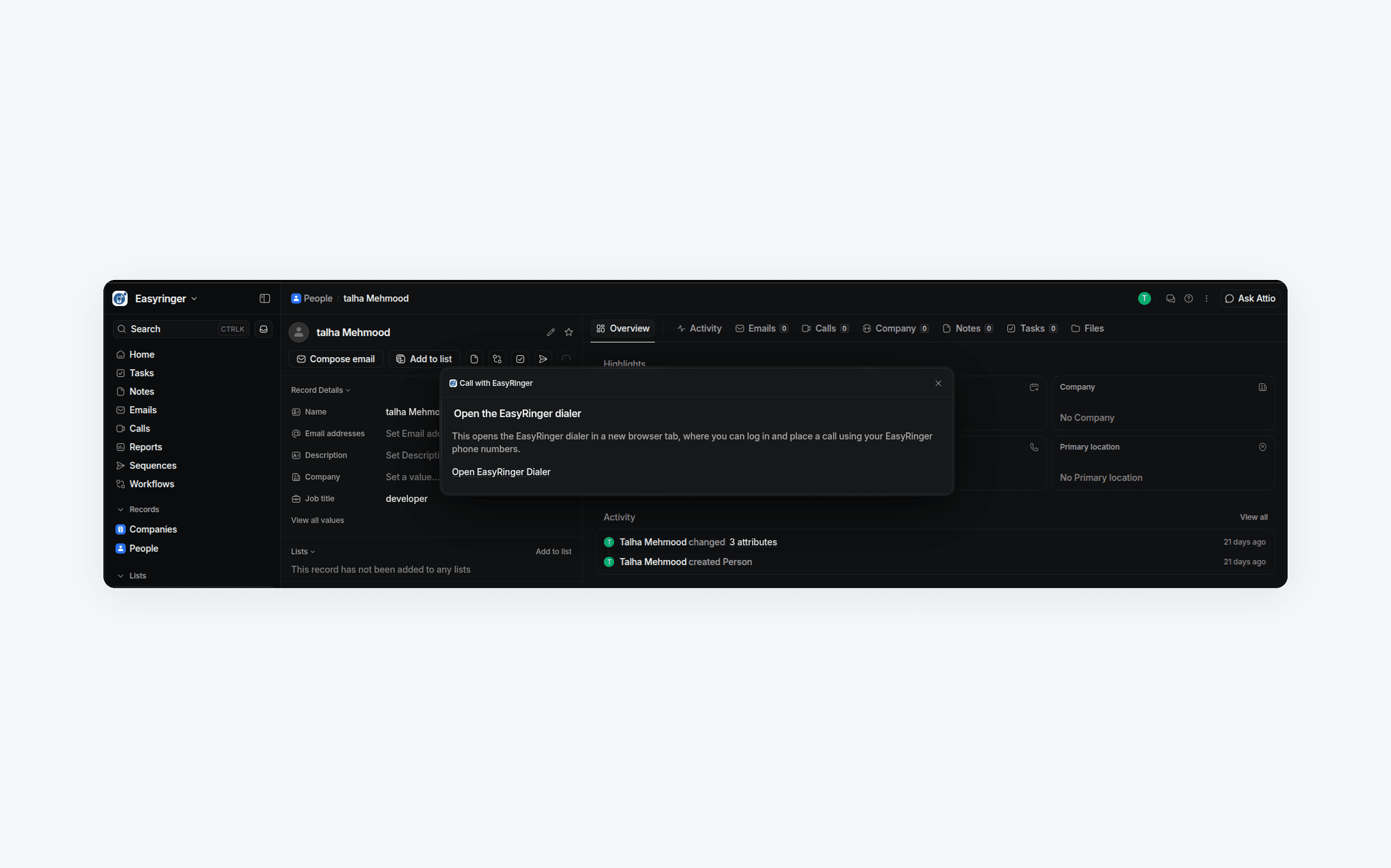
Open a Person record
Open the actions menu on any Person record that has a phone number.
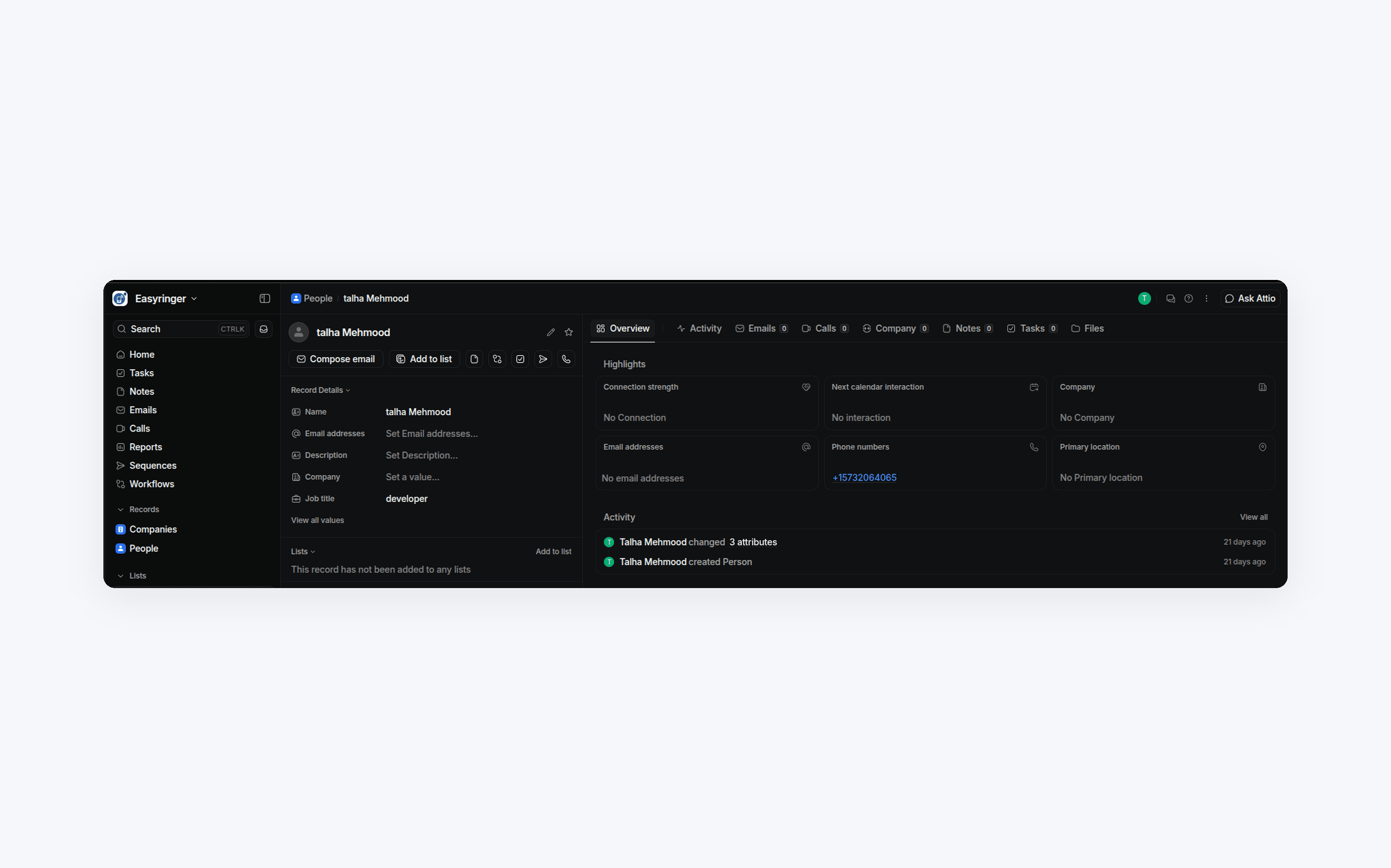
Select "Call with EasyRinger"
Click it to open a dialog with a link to the EasyRinger dialer for that record.
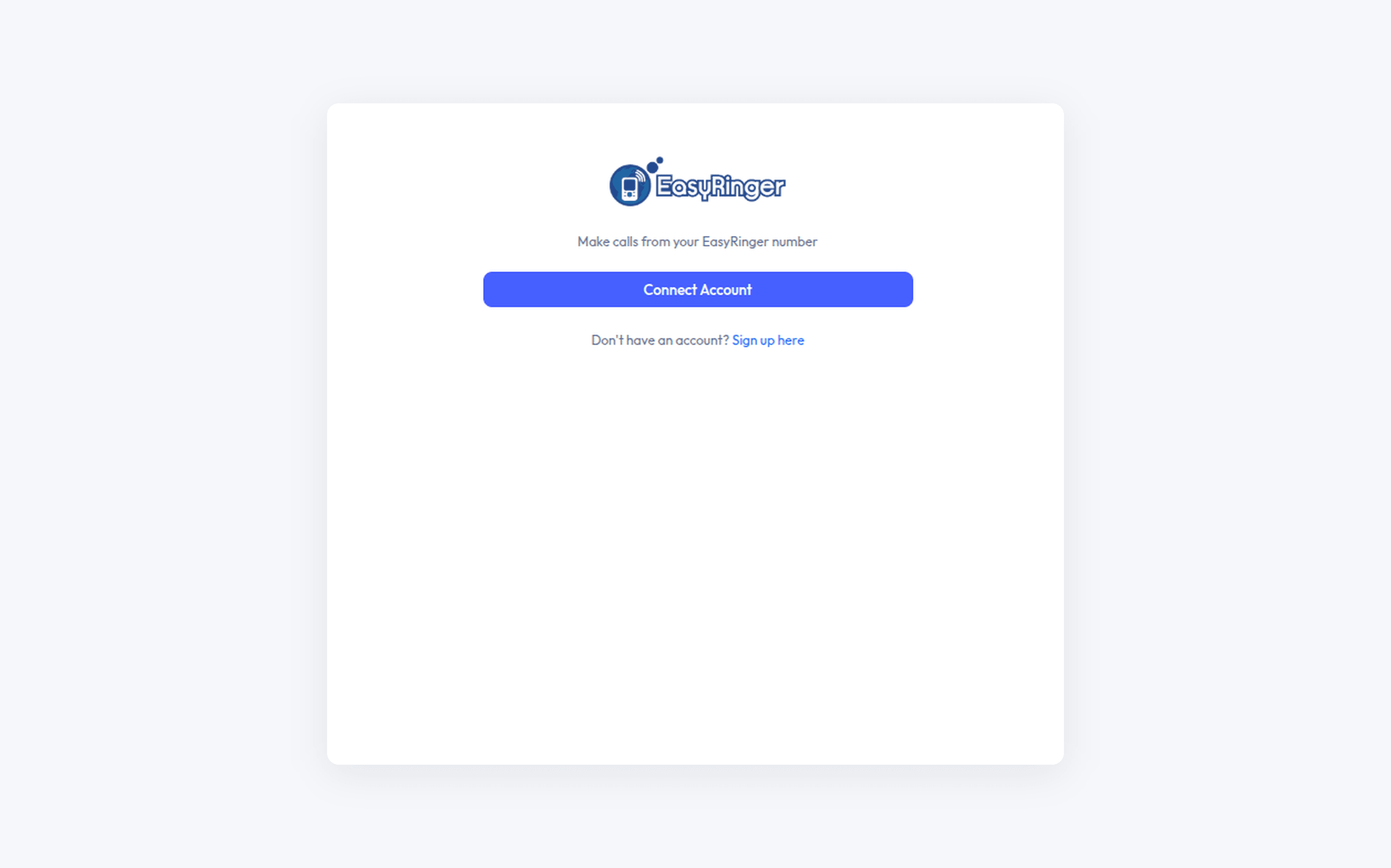
Connect your account
Log in and connect your EasyRinger account.
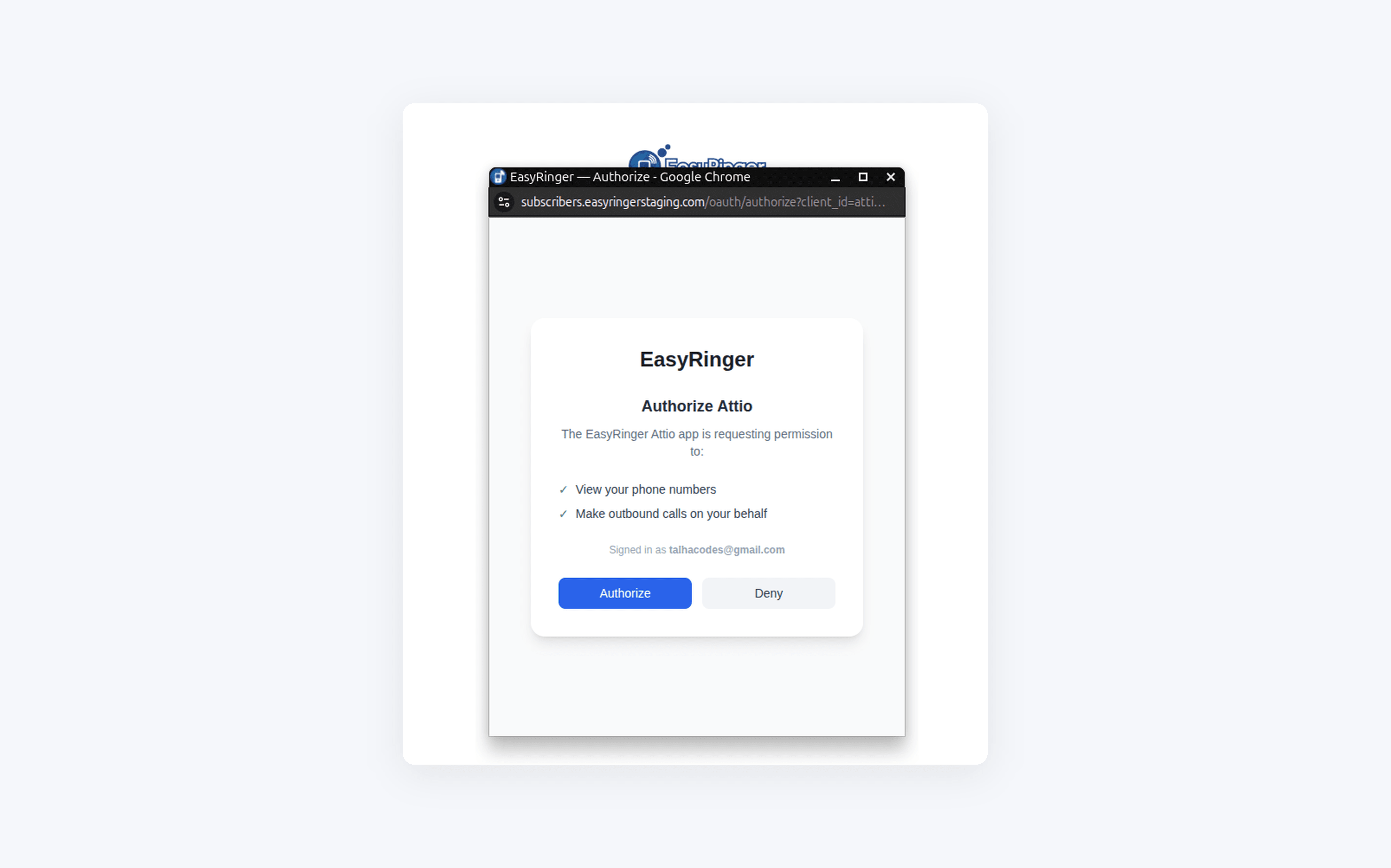
Authorize the app
Review the requested permissions, viewing your phone numbers and making outbound calls on your behalf, and authorize the app.
Place the call
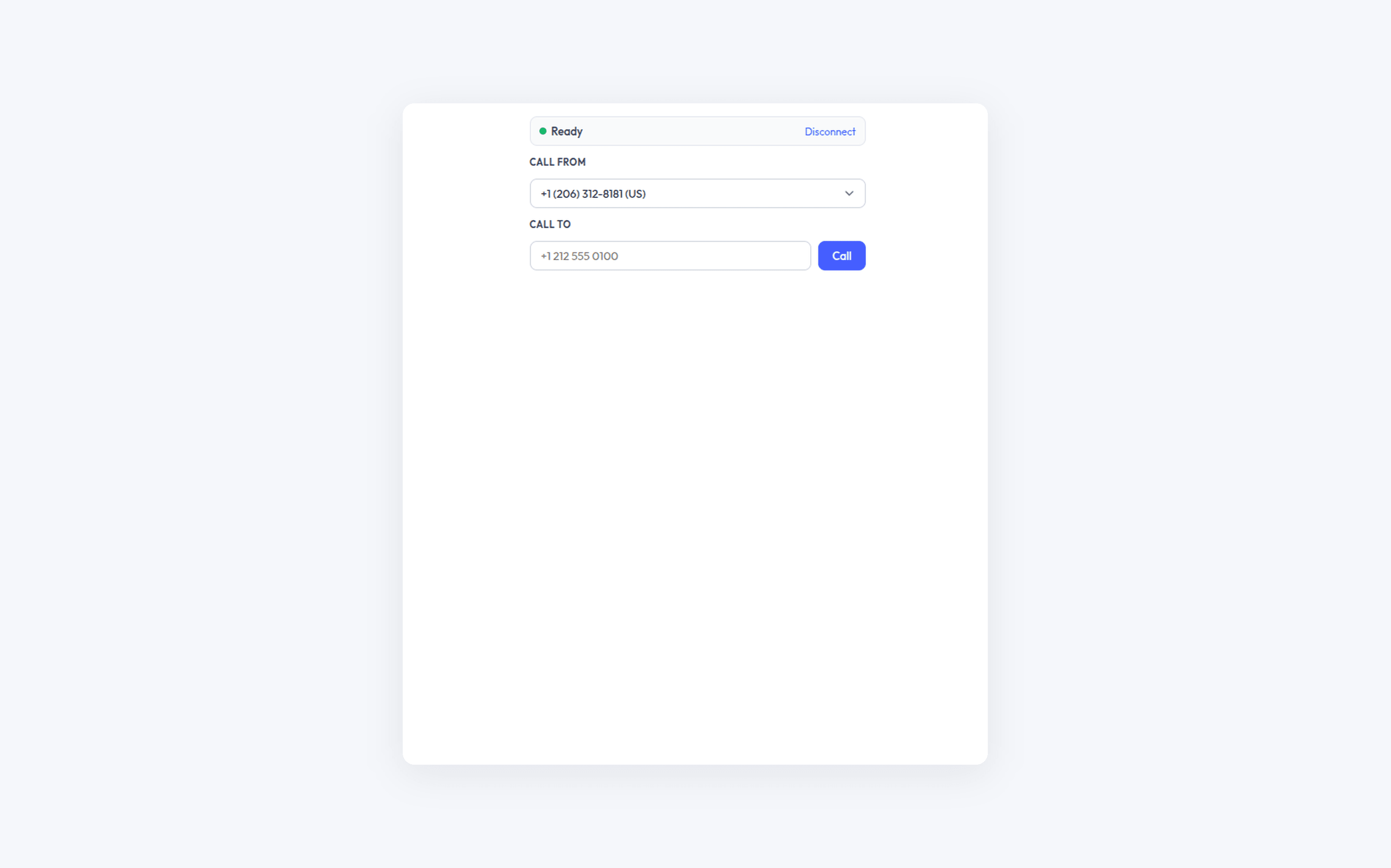
Pick an EasyRinger number to call from and place the call.